
Download Simple Cam – webcam streaming, video broadcasting, real-time video, USB camera, live video
Overview
Simple Cam is a lightweight, productivity-focused application designed for real-time video streaming using a webcam or USB camera. The app enables users to broadcast live video directly from their device without the need for a dedicated server, streamlining the setup process for content creators, remote workers, and casual users. Its core purpose is to simplify video transmission, offering a straightforward solution for live video monitoring and sharing. The application is particularly suited for individuals seeking a minimalistic tool for video capture and distribution, especially in environments where server infrastructure is not available or desired.
Target users include educators conducting virtual classes, remote team members sharing screen or video feeds, and hobbyist streamers who require basic broadcasting functionality. The app supports customization of video settings such as brightness, contrast, and zoom, allowing users to optimize visual quality for their specific use case. It also includes a screenshot feature for capturing moments during live streams, which can be used for documentation or promotional purposes. Although the developer did not provide additional technical details, the app’s continued presence in the productivity space suggests a niche but functional role in the digital workflow ecosystem.
Key Features & Functionality
- Real-Time Streaming: Users can initiate live video broadcasting from their webcam or USB camera instantly, with no server setup required. This feature is ideal for quick, on-demand video sharing or remote monitoring.
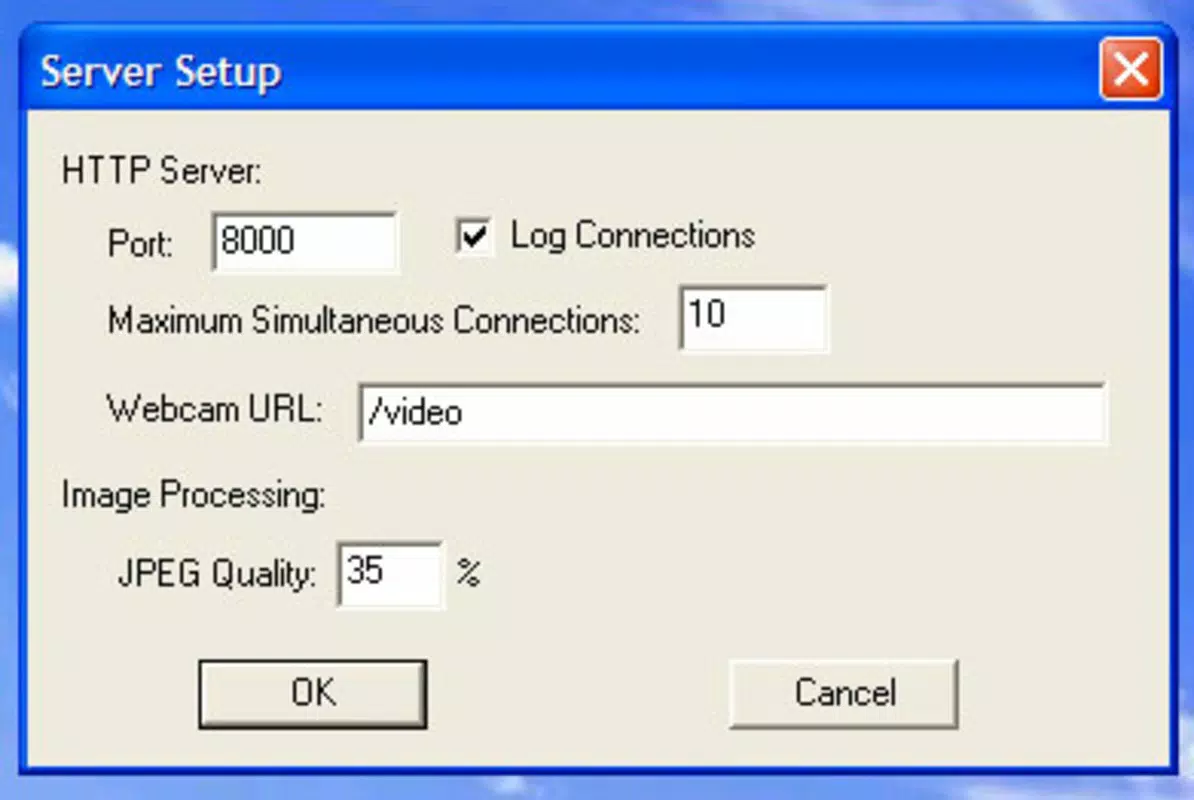
- Customization Options: The app allows users to adjust brightness, contrast, zoom, and overall image quality, enabling personalized visual output tailored to different lighting conditions or streaming goals.
- Screenshot Functionality: A built-in feature lets users capture still images during active streams, useful for creating content highlights, social media posts, or documentation.
- Visitor Log Tracking: Simple Cam records the number of visits to the stream, offering basic analytics to help users gauge audience engagement and refine their streaming approach.
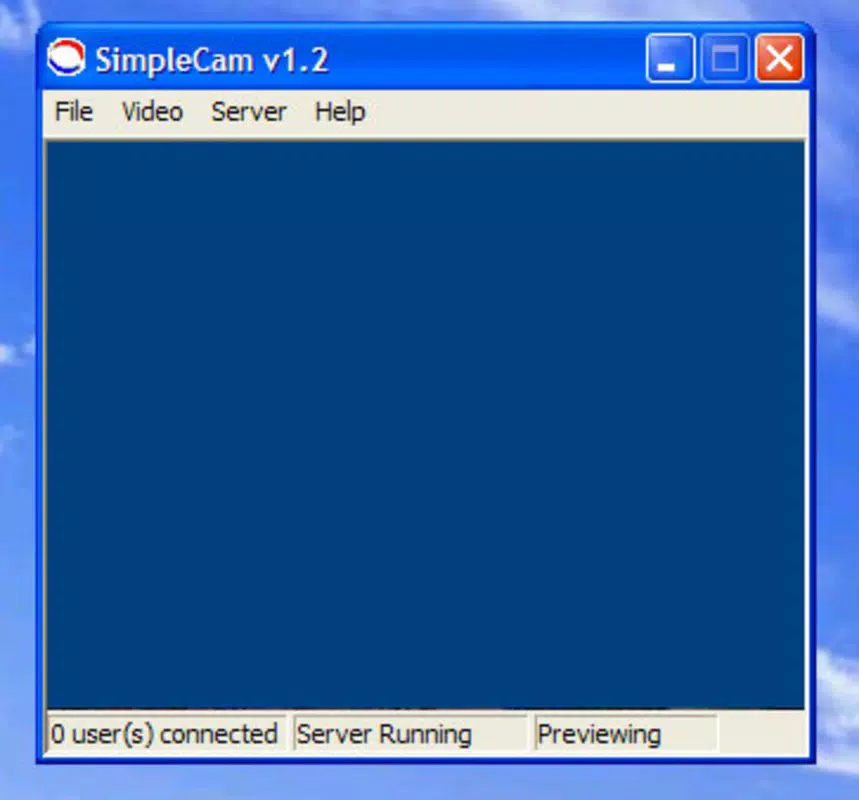
- Connection Monitoring: The application provides tools to verify the stability of the connection and server status, helping users identify and resolve potential disruptions during live broadcasts.
For example, a teacher using Simple Cam can stream a live lesson from their USB camera, adjust brightness for better visibility, and capture a screenshot of a key explanation for later review. Similarly, a remote worker might use the app to share a live video feed during a team meeting, relying on connection monitoring to ensure uninterrupted transmission.
Interface, UX & Performance
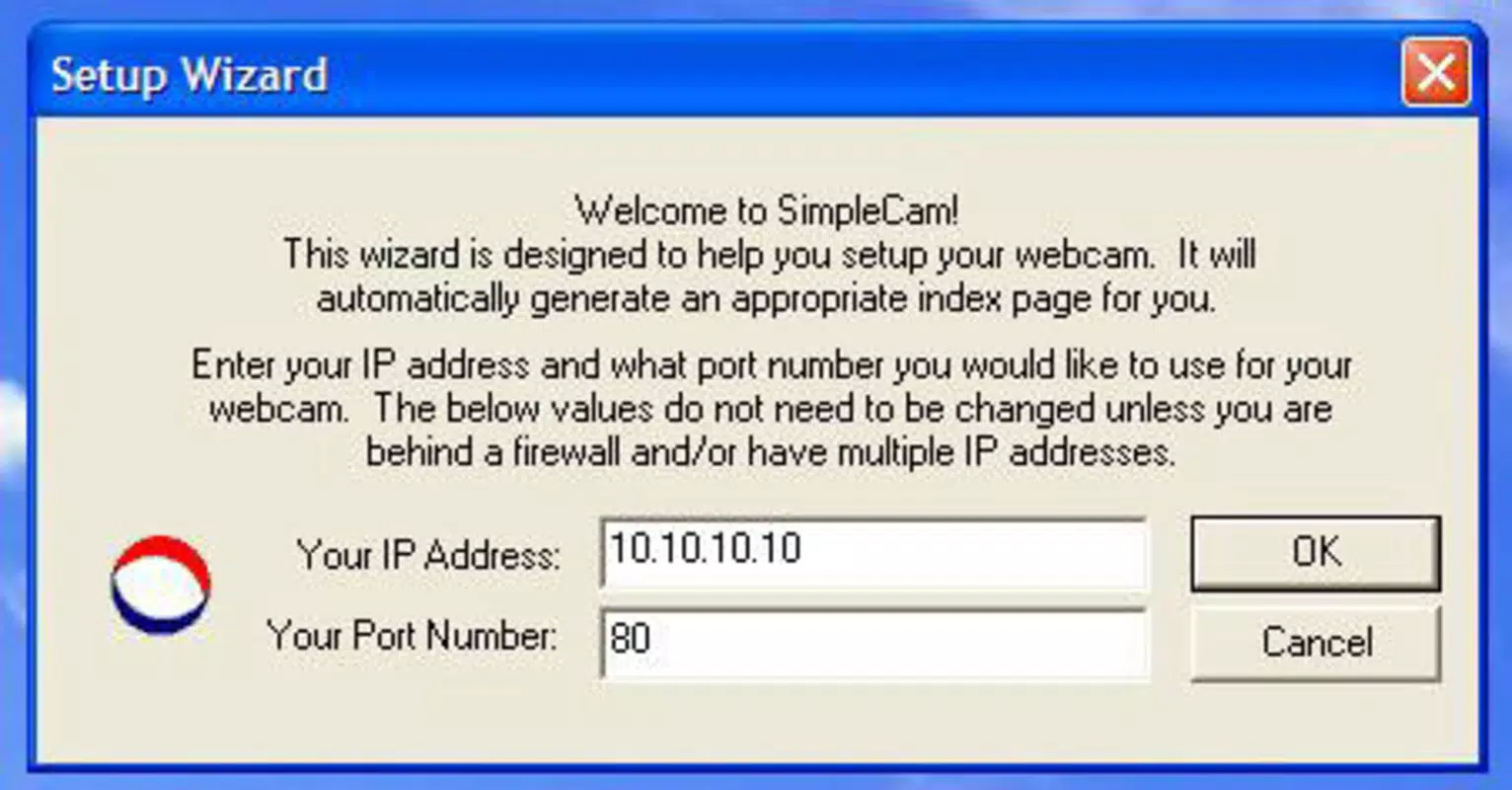
Simple Cam features a minimalistic user interface focused on core functionality, with straightforward controls for streaming, settings, and capture. The layout prioritizes accessibility, allowing users to configure essential parameters without navigating complex menus. Navigation is linear and intuitive, making it suitable for users with limited technical experience. The app’s visual style is functional rather than decorative, aligning with its productivity-oriented design.
Although the developer did not list formal performance metrics, the application’s small file size of 2.1 MB suggests efficient resource usage. It is likely optimized for older or low-resource Windows systems, though specific compatibility details were not disclosed. Users may experience occasional crashes, as noted in user reports, which could affect stream stability. Responsiveness appears to depend heavily on network conditions, particularly requiring a stable broadband connection for smooth video transmission. Overall, the app maintains basic stability under normal conditions, but performance may vary across different device categories due to lack of detailed system requirements.
Platform Compatibility & Technical Requirements
Simple Cam is designed for the Windows operating system, with a current version of 1.2.0. The application has a file size of 2.1 MB, indicating a lightweight footprint suitable for devices with limited storage. The developer did not specify minimum OS requirements or compatibility with specific Windows versions, nor did they provide details about hardware dependencies beyond the need for a webcam or USB camera.
Users should ensure their system supports video input devices and has a stable internet connection for optimal performance. The app is available for free, making it accessible to a broad audience. While it is not available on mobile platforms, its desktop-focused design suggests it is intended for use on Windows-based computers and laptops. Specific requirements for processor speed, RAM, or graphics capabilities were not listed.
Pros and Cons
Pros
- Lightweight design with minimal system resource usage.
- Real-time streaming without server setup.
- Simple, intuitive interface suitable for non-technical users.
- Supports USB camera and webcam input.
- Free to download and use.
Cons
- Occasional crashes reported during streaming sessions.
- Limited customization compared to modern streaming tools.
- No mobile or cross-platform availability.
- Developer did not provide detailed system requirements.
- Performance heavily dependent on stable broadband connection.
FAQ
Is Simple Cam safe to download and install?
Yes, Simple Cam is available as a free application with no reported malware or security risks. However, users should always download from official or trusted sources to ensure authenticity.
Can I use Simple Cam on my smartphone?
No, Simple Cam is designed exclusively for Windows and is not available on Android or iOS devices.
Do I need a server to use Simple Cam?
No, the application supports real-time streaming directly from your webcam or USB camera without requiring a dedicated server.
What do I need to use Simple Cam?
You need a Windows-compatible computer with a webcam or USB camera, a stable broadband internet connection, and the ability to install desktop applications.
How do I update Simple Cam?
Updates are typically released by the developer through official channels. Users should check the developer’s website for the latest version and installation instructions.
Final Thoughts
Simple Cam remains a functional tool for users seeking a no-frills solution for real-time video streaming on Windows. Its ability to broadcast live video without server infrastructure, combined with basic customization and screenshot capture, makes it a practical choice for educators, remote workers, and casual streamers. While it lacks modern features and mobile support, its lightweight nature and free access offer real value in specific use cases. The app’s simplicity and direct functionality stand out in a crowded market of complex streaming platforms.
For those needing a reliable, server-free video broadcasting tool on Windows, Simple Cam delivers on its core promise. Download Simple Cam now.


